First Time in a Fancy Cafe AI video.


More templates coming soon
- 2 photos
- 15s
- Audio included
- 50 credits
Photo tips · JPG / PNG / WEBP, up to 10 MB
- ✓One person per photo, facing the camera
- ✓Face clear and well lit — no sunglasses, hats or hands over it
- ✓Show the outfit: a photo from the head to the waist or knees
- ✓No mirror selfies or phone in hand — it can show up in your video
🎵 Audio is included in the video. Tap the speaker icon to turn sound on or off.
50 credits · packs from $9.99, one-time, no subscription
- Failed videos refunded automatically
- Photos deleted after 30 days
- Secure checkout by Stripe
Automatic refund if it fails. Not happy with the quality? Email support@remixthetrend.com and we'll look into it; if we confirm a quality problem, you get a refund. Refund Policy
Finished clips are kept for 90 days: download yours when it's ready. Pricing
Two photos in, one 15-second vertical First Time in a Fancy Cafe video out. Keep the reference scene and audio while assigning each photo to its own on-screen role.
What is the First Time in a Fancy Cafe AI video?
It recreates a café POV joke: one visitor uses a small table like a seat, another arrives and uses the seating normally, and the first visitor realizes the mix-up.
Two photos. Upload one consenting adult per image, in the order requested. The first image maps to screen-left; the second maps to screen-right.
Reference-led scene. The reference video guides the cafe, camera, framing, pacing, actions and audio. The photos guide only the two characters’ visible identities.
Vertical output. A 15-second vertical MP4 requested at 9:16 and 768P. Exact rendered dimensions appear in the result details.
What happens in the video
The source clip used in this experiment shows two visitors in a minimalist cafe. The first person is perched on a small round table; the second person enters, takes the proper seat and places a drink on a table. The first person gradually recognizes the mistake.
Several competitor pages describe the format as a TikTok POV trend from early November 2026 and name “POV: your first time in a fancy cafe” as a common caption. Those pages also attribute early versions to named creators; we link the reporting source and will add primary TikTok posts after checking them.
Why the format is easy to recognize
- The visual misunderstanding is clear without dialogue.
- The second visitor’s normal behavior sets up the awkward realization.
- A fixed cafe scene makes the two character roles easy to personalize.
Also searched as: first time in a fancy cafe AI, POV your first time in a fancy cafe, fancy cafe AI video with two people, fancy cafe AI video prompt.
How your photo becomes First Time in a Fancy Cafe AI
AIAI
Your First Time in a Fancy Cafe AI video
A two-photo, 15-second remake of the cafe POV. Photo one maps to screen-left and photo two to screen-right.
Tap the speaker to hear it.
Built around the cafe reference
- Keep the scene recognizable: The reference video supplies the setting, action, camera and pacing.
- Assign both people: Each photo maps to one screen position and character; keep the upload order fixed.
Photo tips and honest limits
- Use clear adult photos: One person per image, face visible, good light, no heavy filters. Only use photos you have permission to use.
- Results can vary: AI may change small details between frames. Review the result before sharing it.
- Sound status: This workflow asks the model to retain the reference audio. Check the generated audio before relying on that behavior.
How to make a First Time in a Fancy Cafe AI video
- 01Choose two clear photos
Use one adult per photo (JPEG, PNG or WebP), with a clearly visible face and permission to use the image. Each photo must be 10 MB or smaller.
- 02Keep the left/right order
Photo one is the person on screen-left in the reference. Photo two is the person on screen-right.
- 03Review the displayed options and generate
Check the current price, then create the vertical 15-second video. Download the MP4 when it is ready.
How much does a First Time in a Fancy Cafe AI video cost?
A 15-second First Time in a Fancy Cafe AI video is 50 credits, from $9.99 with no subscription. A video that fails gives the credits back automatically.
A two-photo, 15-second remake of the cafe POV. Photo one maps to screen-left and photo two to screen-right.
Private by default. Gone in 30 days.
- Only shared with the AI that makes your video
- Never used to train AI
- Photos deleted after 30 days
- Automatic refund if it fails
Photos are stored privately and reach the AI provider only through short-lived links made for your job. Clips stay in My clips for 90 days, then are deleted. Want everything gone sooner? Email support@remixthetrend.com from your account address and we delete it. Read the privacy policy →
First Time in a Fancy Cafe AI: questions
How many photos do I need?+
Two photos, one adult per image. The first maps to screen-left and the second to screen-right.
Does the video use my reference clip?+
Yes. The scene, camera, action, pacing and audio are guided by the reference video.
Does it keep the original sound?+
The prompt requests the original reference audio, but every result should be checked because audio retention has not yet been confirmed for the full 15-second output.
Is Remix the Trend affiliated with TikTok or the trend creators?+
No. Remix the Trend is an independent AI video tool and is not affiliated with TikTok or the creators of the source clips.
Can I use another person’s photo?+
Only use an adult’s photo when they have clearly agreed to its use. Do not use minors or public figures.
Is this a CapCut template?+
No. It is a web-based AI video workflow; CapCut is a separate editing app and template library.
How much does it cost?+
The current credit price is shown beside the generation options before you start.
How long is the video?+
This template currently generates a 15-second video.
What is the First Time in a Fancy Cafe trend?+
It is a cafe POV joke about a seating mix-up and the moment the visitor realizes the mistake.
How do I make one?+
Upload two clear adult photos in order, first for screen-left and second for screen-right, then review the displayed price and generate.
Make your cafe POV
Add your photos, get a video with audio: the full 15s clip is 50 credits.
Make my videoRemix the Trend is an independent tool, not affiliated with the artists, TikTok, Instagram or any record label. Every video is AI-generated. Updated 2026-11-04.
More templates
Pick another one, or start on the Remix the Trend AI video templates
 New
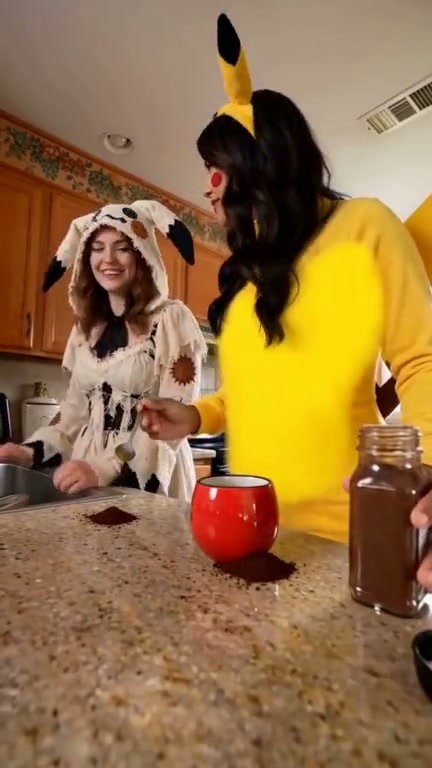
A casual kitchen coffee-making scene with a spill, a quick reaction, and two people sharing the moment.
Make yours →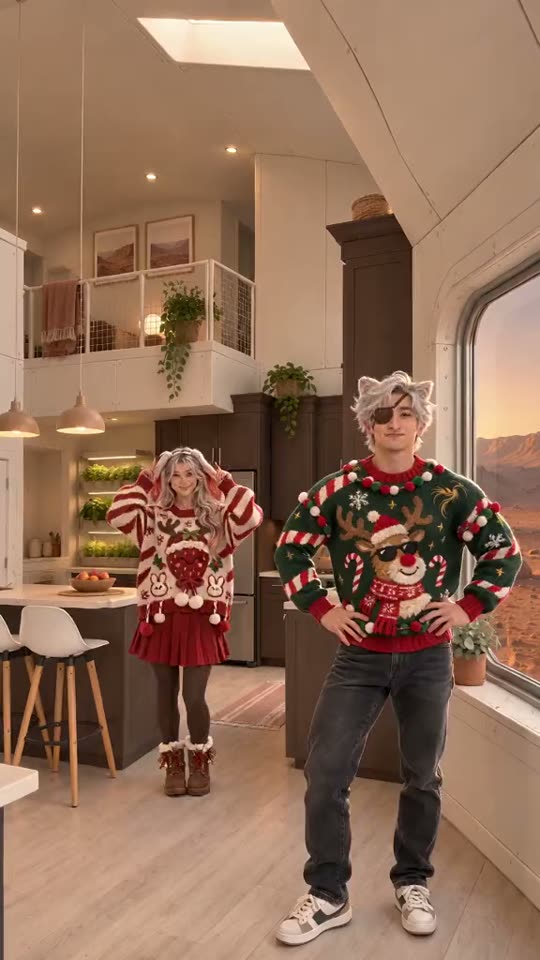 New
A video tool that puts two people from your photos into the Christmas pajama duo dance from TikTok.
Make yours → New
Wassup in a Minute is a TikTok trend built on a Jersey club sound. You may know the version with anime characters swaying on a white background; this Remix the Trend template is the other one, the three-person hillside dance, remade with your photos: 14 seconds, 16:9, with sound.
Make yours → New
A 9-second vertical dance video that maps the person in your photo to the lead dancer in the reference.
Make yours → New
A two-performer dance format based on the opening choreography of A2O LITE’s “NEON” video. Remix the Trend uses a reference clip for the dance and two photos for the performers’ identities and appearance.
Make yours → New
Recreate the Tiny Desk-style band performance with one required lead-singer photo. Four optional performer slots have AI-generated default images: keyboard, two backup singers, and sax. Upload your own photos to replace any defaults.
Make yours → New
It is a reference-led remake of a rooftop infinity-pool clip: one portrait supplies the replacement person's appearance while the video supplies the scene and motion.
Make yours →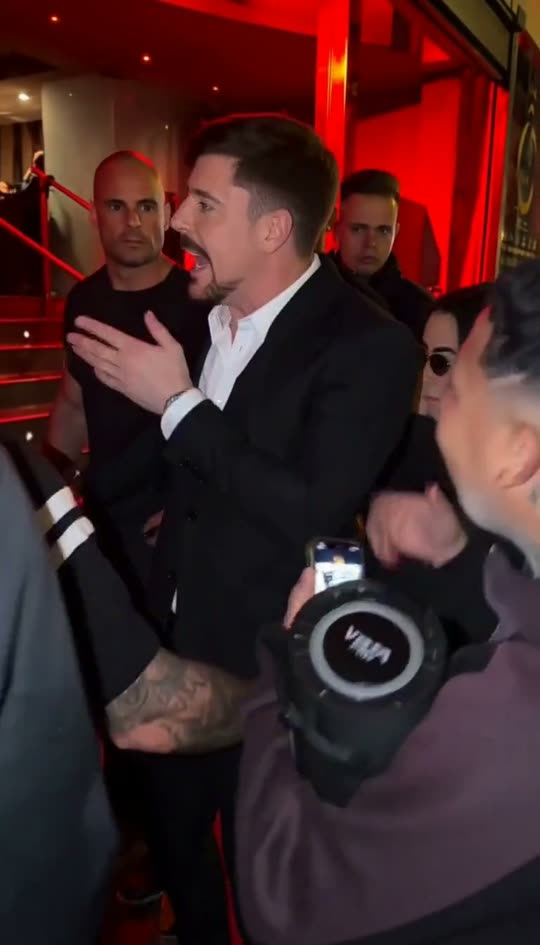 New
Remix the Trend puts you inside the freestyle that took over TikTok. You bring one photo; the AI does the rest — your own Bulin 47 video in minutes.
Make yours → New
A 15-second, 16:9 dance remake that maps three photos to the left, center, and right performers. The reference background remains fixed.
Make yours →NewDame Hombro is the track people pair with Bulin 47's freestyle on TikTok. Remix the Trend puts you inside that performance: you bring one photo, the AI does the rest, and you get your own Dame Hombro AI video in minutes.
Make yours → New
A video tool that places the person in your photo at the front of a zombie group dance.
Make yours →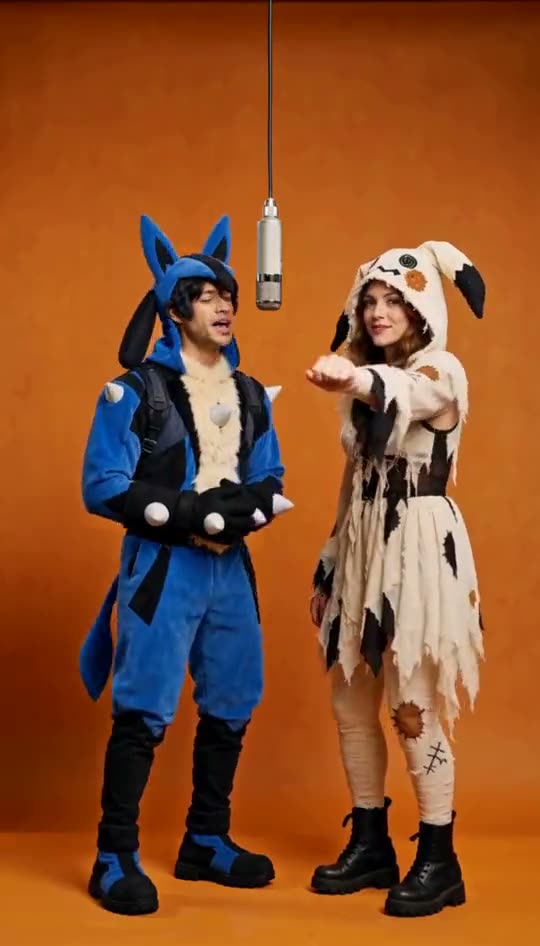 New
The source is a rap-duo clip in a plain orange-lit booth, one hanging microphone, two performers trading lines and moves. This template follows that choreography shot for shot, with your two photos replacing the original performers.
Make yours → New
Upload two photos of consenting adults: first the survivor, then their partner who has turned into a zombie. Remix the Trend builds the 15-second story from the photos; there is no reference video.
Make yours →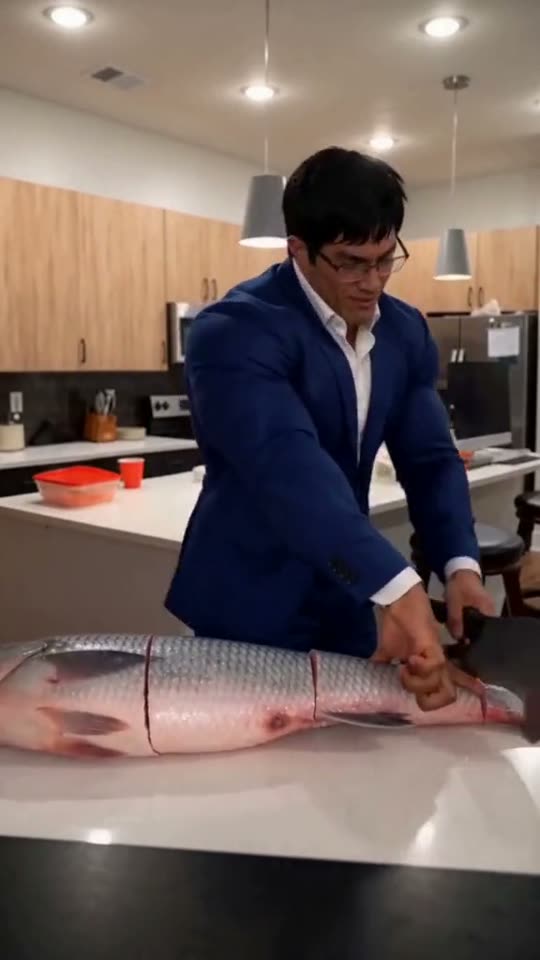 New
A video tool that puts the person in your photo into the viral "Grandpa said he'd handle dinner" fish-chopping meme.
Make yours → New
It is the elevator meet-cute from the film (500) Days of Summer, remade with your two people. Someone overhears music through another person’s headphones and says they love The Smiths. The trend spread as a meme on TikTok, Instagram Reels and YouTube Shorts, and Remix the Trend turns it into a ready-to-post clip.
Make yours →